> ## Documentation Index
> Fetch the complete documentation index at: https://app-guide.empara.io/llms.txt
> Use this file to discover all available pages before exploring further.
# Registration Issues
> Having trouble signing up? We can help!
## First, make sure you are on the latest app version
It is important to ensure you are on the latest version of the app.
If you are on a web browser, be sure to clear your cache and refresh your browser to ensure you are on the latest app version.
If you are using the mobile app, make sure that you are using the latest app version. Go to the [Apple App Store](https://apps.apple.com/us/app/empara-health/id6469439369) or [Google Play Store](https://play.google.com/store/apps/details?id=io.empara.empara_health\&hl=en_US) and search for "Opyn Health." Install the latest version of the app.
**Check your app version**
Open your app and tap the hamburger icon in the navigation bar to open the menu. Then, select **“Account.”** The current app version you have installed will be listed at the bottom of the account screen.
## At sign-up, I did not receive an email verification
If you do not receive an email for verification, please begin by resending the verification.
If you still do not get an email, please check your spam filters and look for the address: **([noreply@opyn.health](mailto:noreply@opyn.health))**
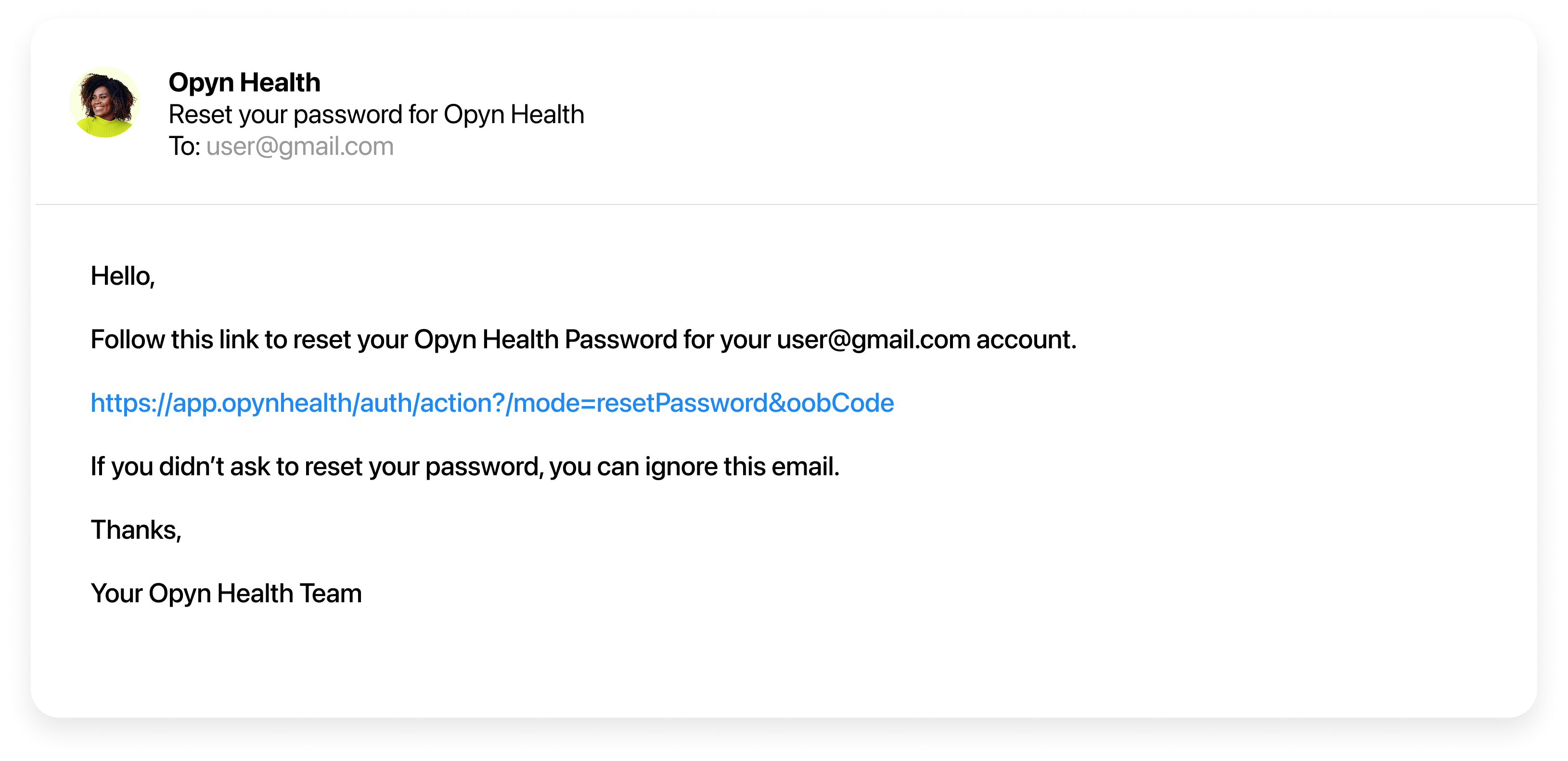 **Did you use a personal email?**
It is best to use a personal email to create your account. Why? Because this is your personal account, and if you leave your company, your work email may not stay active. Also, email spam filters managed by your company may prevent you from seeing your verification email.
If you cannot find an email from Opyn, you could try to sign up with a different email address. If you still have an issue, you can submit a ticket to our support team at [support.empara.io](http://support.empara.io). Please be sure to include the email address that you attempted to sign up with.
## At registration, I got a message saying "We couldn't find your account."
If you created your account, entered your sign-up code, entered your date of birth, and social, and got a message saying that you "cannot be found," there may be a few reasons.
**IMPORTANT**
If you get a message that you "cannot be found," do not attempt to re-register with a new email address. That will not resolve the issue.
If your company is using Opyn for health benefits, your benefits may not be active yet. Opyn requires active benefits coverage records to match user accounts in our system. We rely on healthcare administrators to provide us accurate and timely data. If there is a delay in your access, it may be caused by a delay in your plan setup.
Because Opyn shows to users sensitive PHI (Protected Health Information), such as claims with medical conditions and diagnosis, our sign up process requires a high level of security and accuracy with key identifiers (such as date of birth.)
Unfortunately, errors in eligibility data files are fairly common. Manual data entry by benefit consultants or HR teams during enrollment can leave room for mistakes. If your birthdate or social security number is not keyed in correctly, you will not be able to complete your registration until it is fixed.
If you know your benefits are active, an error in your record is likely. Please reach out to your HR team or benefit sponsor to check this information. Let them know that you will not be able to log in to your app until that data is corrected and sent to your healthcare administrator.
Bugs or technical issues are the least likely culprit. However, if you know your benefits are active and you have checked that your eligibility data, such as date of birth and social,l are correct, please submit a ticket to our support team at [support.empara.io](http://support.empara.io). Please be sure to include the email address that you used to create your account. If possible, include a screenshot of what you are seeing in the app.
## At registration, I got a message saying "Account already created"
If you created your account, entered your sign-up code, entered your date of birth, and social, and got a message saying "Account already created," that means that you have already registered with a different email than you are attempting to login with.
Since you already have a registered account, please go back to the sign in screen and log in with the email and password you originally registered with.
**IMPORTANT**
If you get a message that your account already exists, do not attempt to re-register with a new email address. That will not resolve the issue.
Emails included on group/employer enrollment records are not used for user accounts. Users pick their own email to register with upon registration.
If you need to change the email that you registered with, please submit a ticket to our support team at [support.empara.io](http://support.empara.io).
**Did you use a personal email?**
It is best to use a personal email to create your account. Why? Because this is your personal account, and if you leave your company, your work email may not stay active. Also, email spam filters managed by your company may prevent you from seeing your verification email.
If you cannot find an email from Opyn, you could try to sign up with a different email address. If you still have an issue, you can submit a ticket to our support team at [support.empara.io](http://support.empara.io). Please be sure to include the email address that you attempted to sign up with.
## At registration, I got a message saying "We couldn't find your account."
If you created your account, entered your sign-up code, entered your date of birth, and social, and got a message saying that you "cannot be found," there may be a few reasons.
**IMPORTANT**
If you get a message that you "cannot be found," do not attempt to re-register with a new email address. That will not resolve the issue.
If your company is using Opyn for health benefits, your benefits may not be active yet. Opyn requires active benefits coverage records to match user accounts in our system. We rely on healthcare administrators to provide us accurate and timely data. If there is a delay in your access, it may be caused by a delay in your plan setup.
Because Opyn shows to users sensitive PHI (Protected Health Information), such as claims with medical conditions and diagnosis, our sign up process requires a high level of security and accuracy with key identifiers (such as date of birth.)
Unfortunately, errors in eligibility data files are fairly common. Manual data entry by benefit consultants or HR teams during enrollment can leave room for mistakes. If your birthdate or social security number is not keyed in correctly, you will not be able to complete your registration until it is fixed.
If you know your benefits are active, an error in your record is likely. Please reach out to your HR team or benefit sponsor to check this information. Let them know that you will not be able to log in to your app until that data is corrected and sent to your healthcare administrator.
Bugs or technical issues are the least likely culprit. However, if you know your benefits are active and you have checked that your eligibility data, such as date of birth and social,l are correct, please submit a ticket to our support team at [support.empara.io](http://support.empara.io). Please be sure to include the email address that you used to create your account. If possible, include a screenshot of what you are seeing in the app.
## At registration, I got a message saying "Account already created"
If you created your account, entered your sign-up code, entered your date of birth, and social, and got a message saying "Account already created," that means that you have already registered with a different email than you are attempting to login with.
Since you already have a registered account, please go back to the sign in screen and log in with the email and password you originally registered with.
**IMPORTANT**
If you get a message that your account already exists, do not attempt to re-register with a new email address. That will not resolve the issue.
Emails included on group/employer enrollment records are not used for user accounts. Users pick their own email to register with upon registration.
If you need to change the email that you registered with, please submit a ticket to our support team at [support.empara.io](http://support.empara.io).